
Database
Neon
Fast, hassle-free database for your app
Setup
Create a free project on Neon. This will automatically create a ready-to-use database for you.
Click the Connect button and select the options shown in the image below.
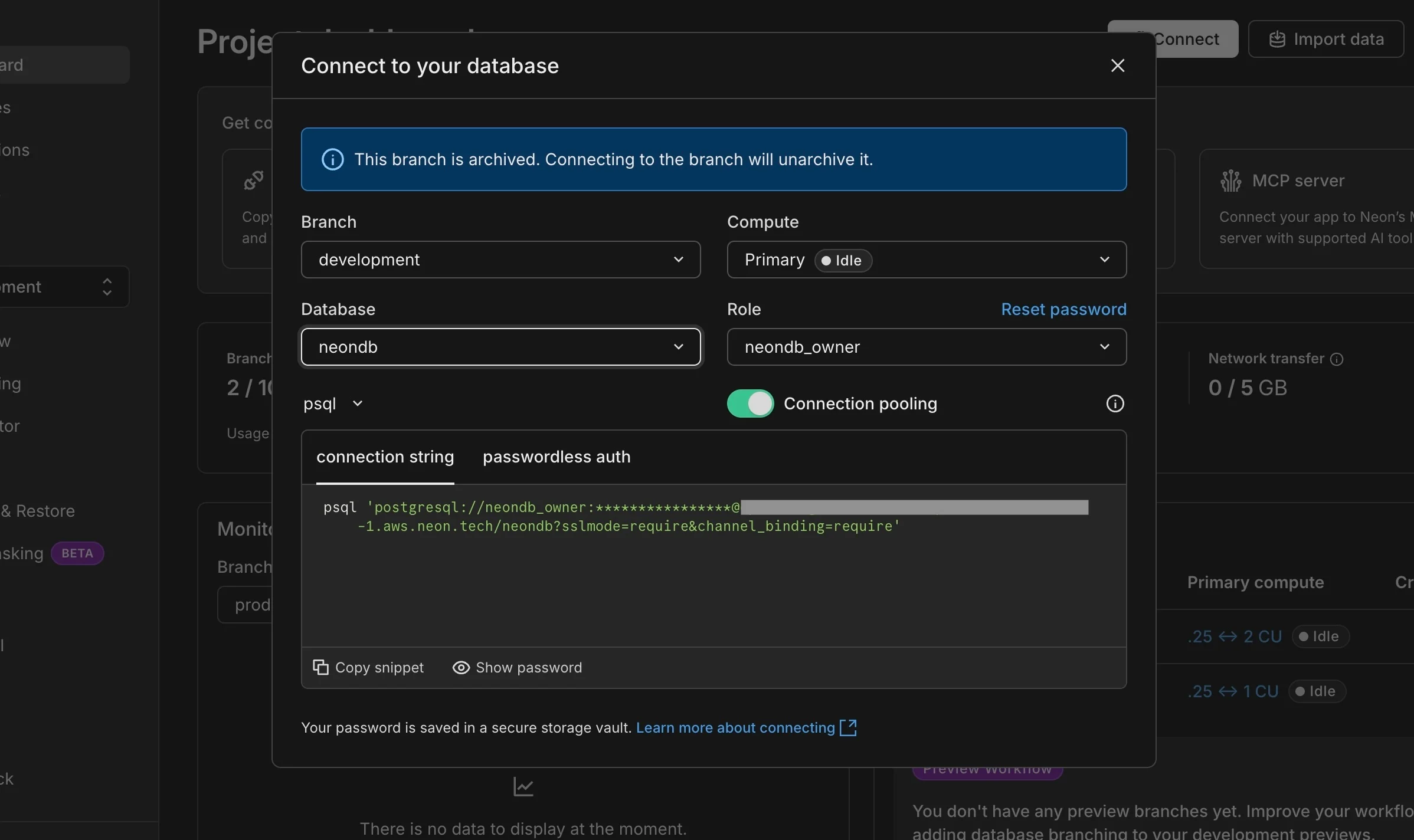
Connect to your Neon DB
Copy the connection string provided and paste it into your .env file:
Open /db/index.ts and uncomment one of the highlighted lines:
Use serverless-db if you plan to deploy your app on a serverless platform like Vercel. Use db if you are deploying to a VPS such as Digital Ocean.
Migrate your database schema to Neon by running the following commands:
That’s it! Your database is now ready. You can view all your tables in the Tables section of your Neon dashboard.